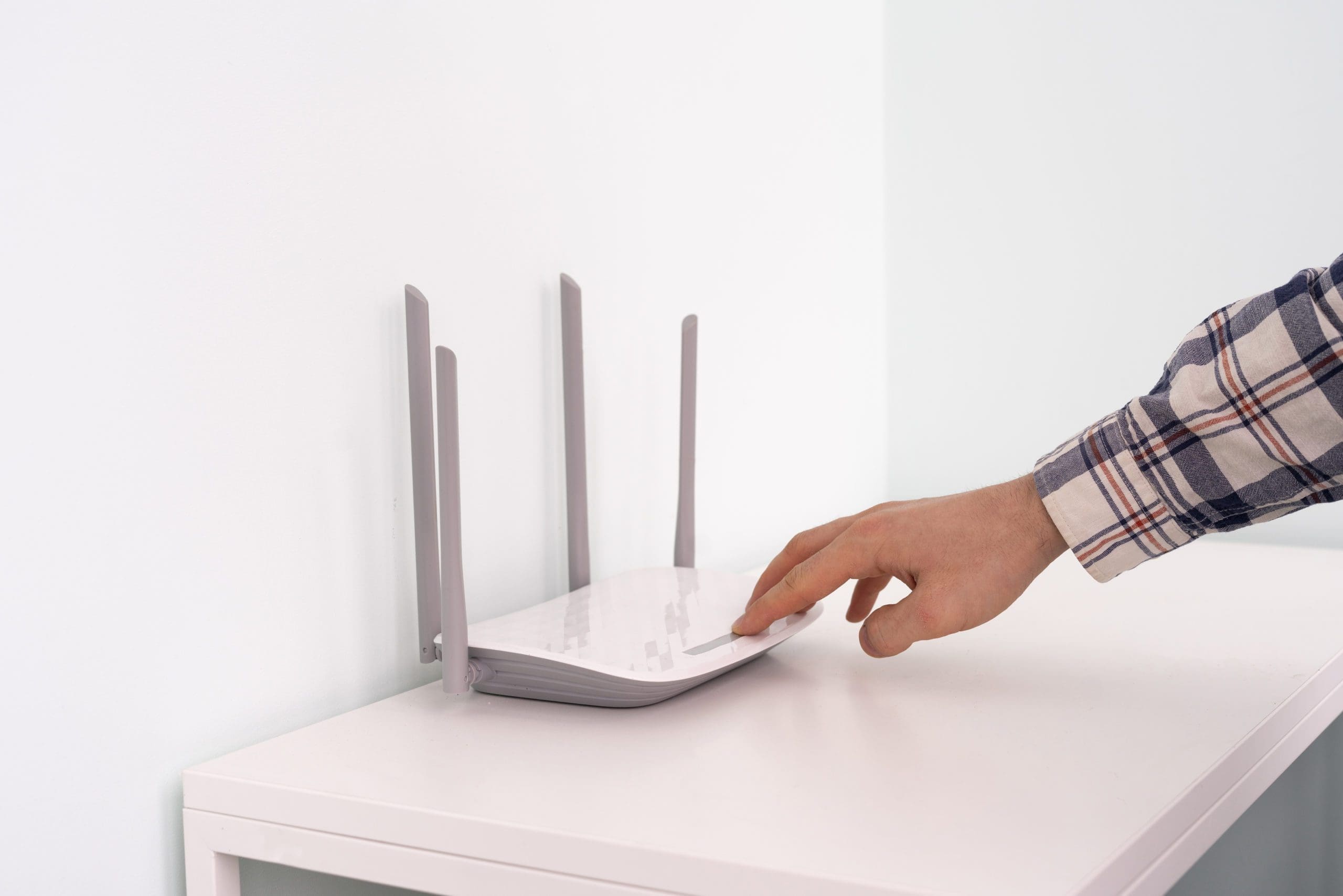
A strong and stable Wi-Fi connection is no longer optional — it’s essential. From remote work and online learning to streaming, gaming, smart home devices, and everyday browsing, everything depends on a solid network. Yet one of the most common frustrations people experience is weak, slow, or inconsistent Wi-Fi.
While it’s easy to blame your Internet provider, the real culprit is often your in-home setup, not your plan. Even top-tier Internet packages can feel slow if the equipment isn’t positioned or configured correctly.
Here are some effective, simple changes you can make to dramatically improve your home Wi-Fi performance.
1. Separate Your Modem and Router for Better Performance
Most Internet providers supply a single device that acts as both modem and router. While convenient, this “all-in-one” setup has limitations:
- The device is handling two demanding jobs at once.
- Its built-in router is usually basic and not designed for strong or far-reaching Wi-Fi.
- You have limited control over advanced features or updates.
Switching to a dedicated router can make a huge difference.
By placing your ISP device into bridge mode and connecting your own standalone router, you can:
- Reduce the workload on the modem
- Boost Wi-Fi range and speed
- Improve security and network stability
- Customize your settings for better performance
This simple change alone often resolves lag, signal drops, and poor coverage issues.
2. Choose the Right Router for Your Home
If you decide to upgrade your router, selecting the right one matters. Prices range from under $100 to over $800 depending on the features you need.
When choosing a router, consider:
Your home size
- Smaller homes or apartments may only require a single powerful router.
- Larger homes or homes with multiple floors may benefit from a mesh Wi-Fi system that uses multiple nodes.
Your Internet speed
Make sure your router can handle your Internet plan. If you’re paying for high-speed service but your router maxes out at lower rates, you’ll never experience the speeds you’re paying for.
Your device usage
Smart TVs, cameras, game consoles, phones, laptops, thermostats — today’s homes easily run 20–40 connected devices.
A modern router offers:
- Dual-band or tri-band capabilities
- Better device management
- Less interference
- Seamless roaming between rooms
These features help keep your network fast even with heavy use.
3. Optimize Your Router Placement
Where your router sits can significantly affect the strength of your Wi-Fi signal.
Best practices:
- Place it centrally in your home.
- Keep it elevated on a shelf or table — not on the floor.
- Avoid hiding it in cabinets, basements, or behind furniture.
- Keep it away from metal objects, microwaves, and thick concrete walls.
Wi-Fi travels best when it has clear, open space. Even adjusting placement can improve your signal by 20–50%.
4. Update Your Firmware
Just like computers and phones, routers need updates. Firmware updates improve:
- Speed
- Security
- Device performance
- Compatibility
Check your router’s app or admin panel for available updates and apply them regularly.
5. Consider a Mesh Wi-Fi System
If your home has:
- Dead zones
- Multiple floors
- Long distances between rooms
- Many connected devices
A mesh system may be the best solution. Mesh Wi-Fi uses multiple access points that seamlessly create one unified network, giving you consistent speeds everywhere.
6. Reduce Interference
Wi-Fi can be disrupted by other electronics and even your neighbours’ networks. To reduce interference:
- Use the 5 GHz band for faster speeds and less congestion.
- Switch to a less crowded channel in your router settings.
- Move your router away from microwaves, Bluetooth devices, and wireless speakers.
These small tweaks can noticeably improve performance.
Final Thoughts
Improving a weak home Wi-Fi signal doesn’t always require a technician or an expensive Internet plan. Sometimes the biggest improvements come from optimizing your equipment and layout.
Whether you’re separating your modem and router, upgrading your hardware, or improving placement, the right changes can give you faster speeds, better stability, and a much smoother online experience.
If you need help improving your home or business network setup, Blue Pixel Media offers expert support, local insight, and tailored solutions to keep you connected.